 Get it on Google Play
About
About AsaMo|Matrix Calculator
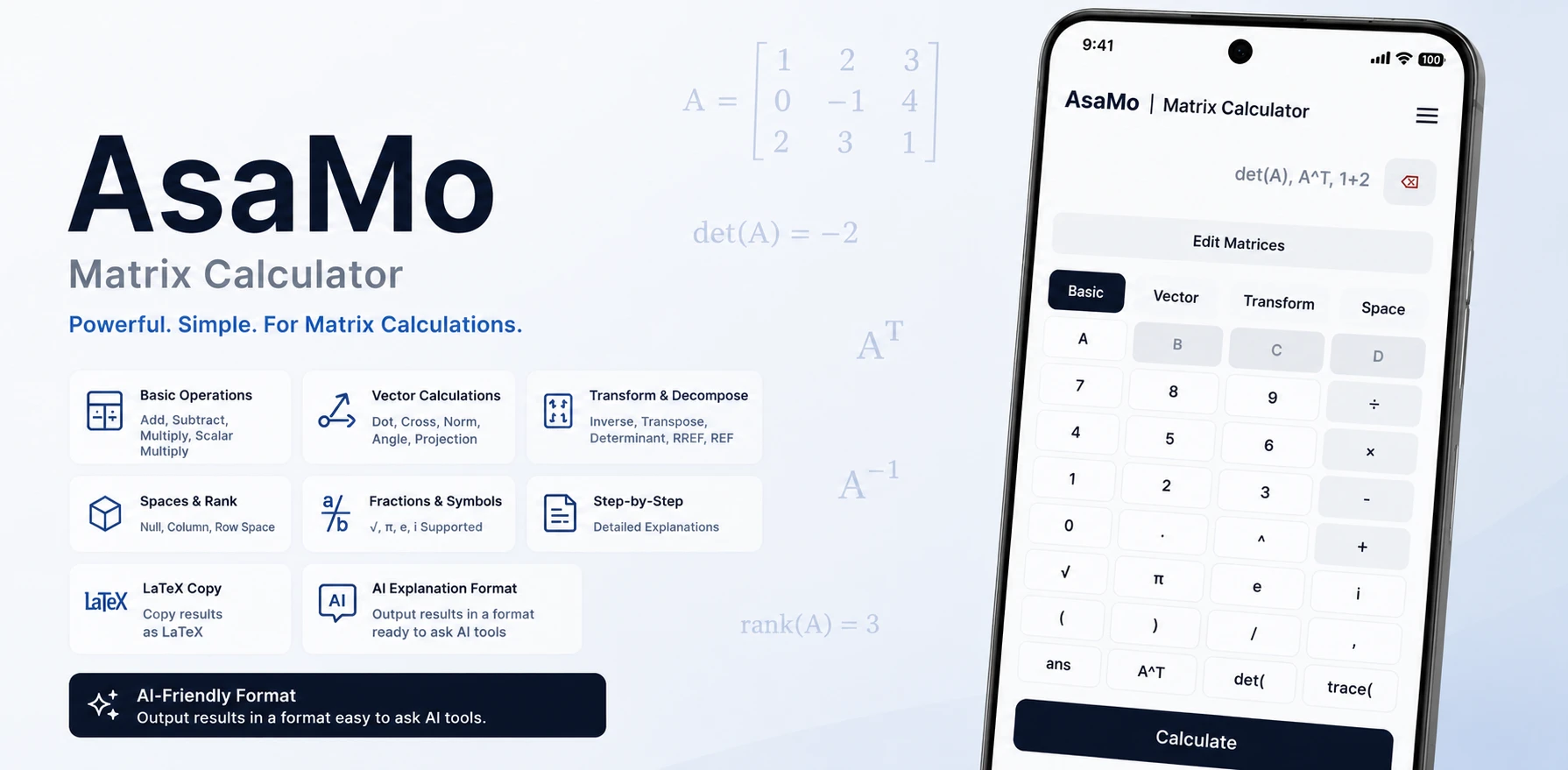
AsaMo|Matrix Calculator is an Android matrix calculator app that presents matrix calculations and transformations on a clear, easy-to-follow screen.
It is designed not only for checking results, but also for learning calculation methods and understanding the meaning of formulas.
From basic matrix calculations to vectors, matrix decompositions, and calculations involving spaces, a wide range of functions is available in a single app.
Features
Main features
Core operations
Handle 5×5 matrices with addition, subtraction, multiplication, scalar values, determinants, and inverse matrices.
Transformation and checking
Review REF, RREF, row operations, and diagonalization while validating each step of your work.
Vectors and spaces
Work with dot products, cross products, projections, null spaces, column spaces, and row spaces in a clearer format.
Learning and reporting
Use fraction input, explanation tools, history, and LaTeX export to support study, notes, and AI-assisted review.
Availability
Available functions
-
Standard functions
Matrices A and B are always available for core calculations and verification.
-
Limited advanced features
Matrices C and D and selected advanced functions are available for a limited time after a rewarded ad.
Use Cases
Who AsaMo|Matrix Calculator is for
-
Students
Review matrix calculations and transformations on a clear screen while learning.
-
Check your work
Input your own row operations and verify whether the intermediate results and final transformations are correct.
-
Report and note users
Copy results in LaTeX format for easy use in reports, study notes, and other written materials.
Support
Support
For questions about AsaMo|Matrix Calculator or to report a bug, please use the inquiries page.